
FPS CONTROLLER SCRIPT · CRONUS ZEN
Ozark Tactical
Control recoil on both weapons.
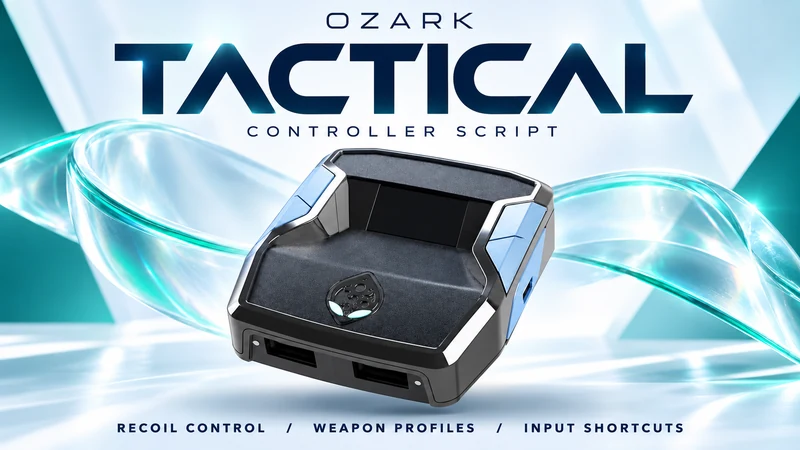
Give your primary and secondary their own settings. Open My Ozark →
$40.00 USD
Primary & secondary recoil · Rapid Fire · Lean & ping
Local setup preview
Preview your setup in three steps.
WHAT TACTICAL DOES FOR YOU
See Tactical work.
Choose a control to see your input and what Tactical sends.
Recoil Control
- Start firing
- Apply correction
- Stop firing
INCLUDED WITH TACTICAL
Recoil Control
Tactical controls recoil while you fire.
Save the recoil correction you want for each weapon profile. Tactical applies it when you fire.
Two Weapon Profiles
- Primary
- Switch weapon
- Secondary
INCLUDED WITH TACTICAL
Two Weapon Profiles
Save a setup for each weapon.
Set up primary and secondary recoil separately so each has its own saved values.
Rapid Fire
- Hold fire
- Release pulse
- Press again
INCLUDED WITH TACTICAL
Rapid Fire
Hold Fire. Tactical repeats the presses.
Turn on Rapid Fire for your selected setup and hold Fire to start the repeat.
Lean Shortcuts
- Start shortcut
- Send lean
- Release
INCLUDED WITH TACTICAL
Lean Shortcuts
Use a shortcut to send the lean input.
Enable the lean behavior you want in your setup.
Ping on Shot
- Start firing
- Send ping
- Finish ping
INCLUDED WITH TACTICAL
Ping on Shot
Send a ping when a shot starts.
Turn on Ping on Shot to pair a ping input with the start of your shot.