OG Madden 27.
Choose your sprint, ball cover, catch style and defense shortcuts in My Ozark. Save your build, then switch modes on your Zen as you play.
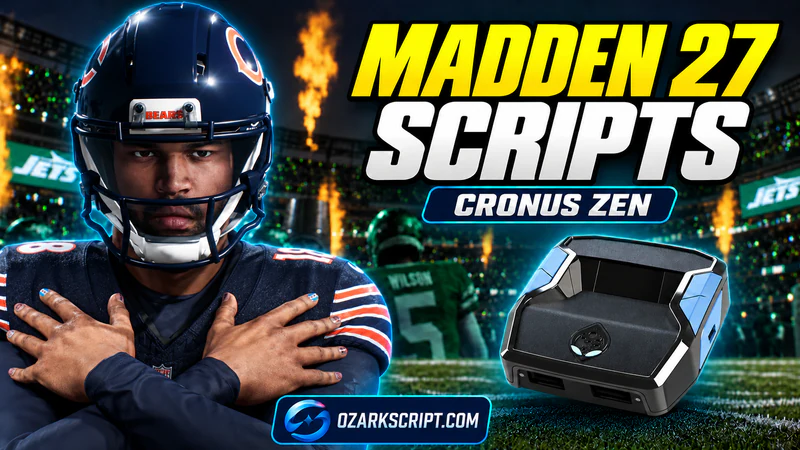
Features & controlsRun, catch and defend.Choose a feature to see what it does and how to use it. See Madden controls6 features · Buttons & settings
01Auto sprint
In RUN or DEFENSE, moving the left stick far enough adds R2 / RT. L3 / LS toggles this assist. Holding L2 / LT pauses it.
Manual sprint remains available02Ball cover
Choose Off, Hold RS or Auto. In RUN mode, Hold RS lets you hold R3 / RS for R1 / RB ball cover. Auto adds cover during the supported running inputs.
RUN mode only03Pick a catch style
Choose Possession, Aggressive or RAC. In CATCH mode, hold R3 / RS after the throw to hold your chosen catch button, then release it yourself.
You control the catch timing04Strip and swat shortcuts
In DEFENSE, hold R3 / RS and tap Circle / B for a strip input, or Triangle / Y for a swat input. Enable or disable these shortcuts in your build.
Press once for each attempt05Choose your game mode
Choose OFF, RUN, CATCH or DEFENSE on the Zen display. After changing a mode, release the menu controls to return to play.
Starts OFF after every reload06Save your Madden build
Save your starting settings in My Ozark. Changes made on the Zen last until reload. Update your saved build and install it again to keep new starting settings.
Saved builds + Programmer THE OZARK DISCORD
Don't figure it out alone.
Bring your questions. Share your setup. Get more out of your Zen with the Ozark community.
- Setup helpAsk about your script, settings, or Zen setup.
- Script updatesKeep up with what's new across Ozark.
- Other playersCompare settings and share what works for you.
ERA · Aura · Exotic · GPC
Join Ozark Discord (opens in a new tab) Free to join