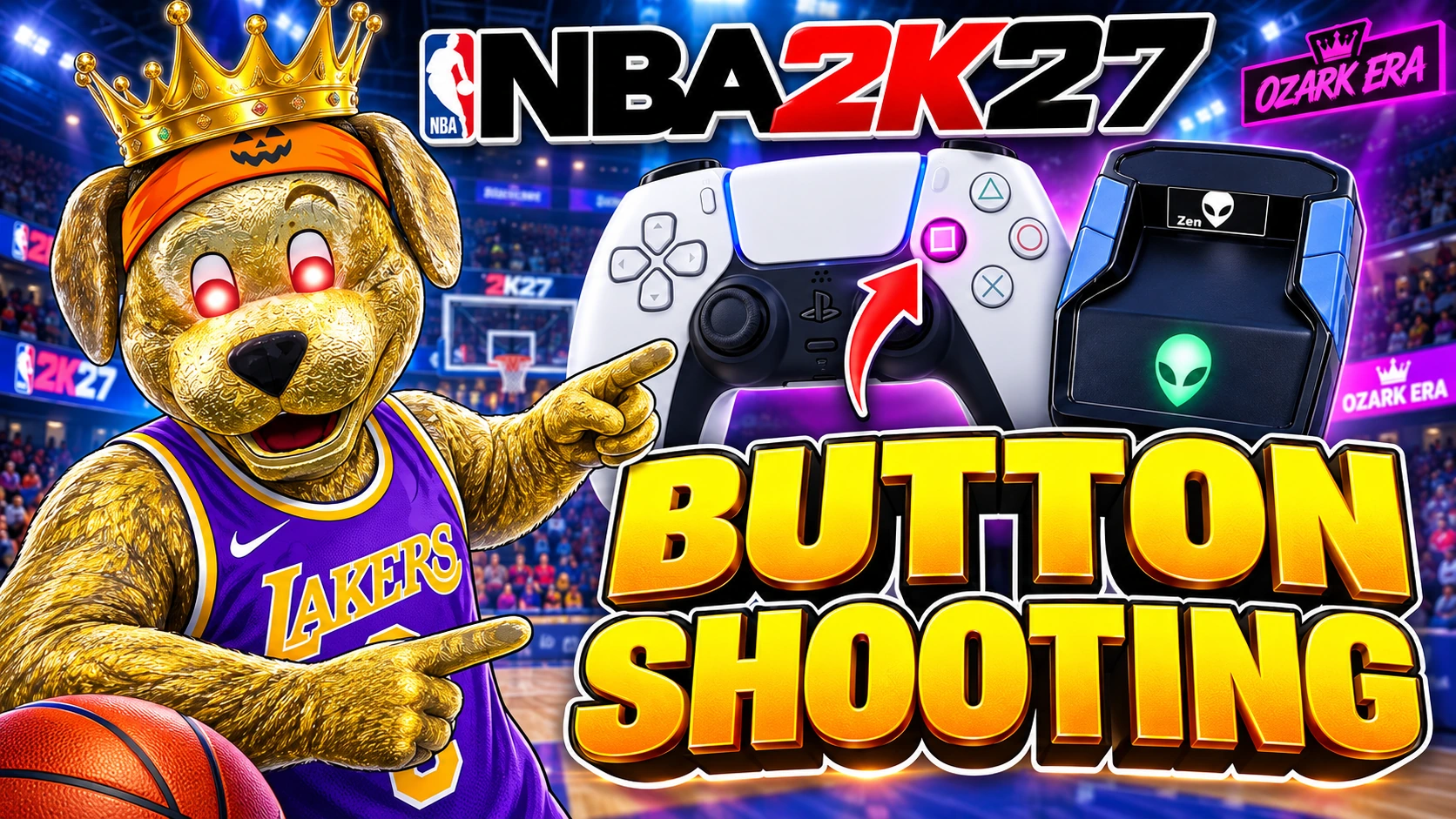
Ozark ERA · NBA 2K27 · Cronus Zen

Ozark ERA NBA 2K27 Cronus Zen Script

Choose hold-and-release Tempo Lock, one-press AutoGreen or Button Shooting. Save your settings in My Ozark, your customer account for ERA setup and installation.

Digital GPC script
Ozark ERA NBA 2K27 Cronus Zen script
Cronus Zen required Digital product
  • PlayStation 5 and PlayStation 4
  • Xbox
  • Windows PC for My Ozark setup and flashing
$45.99 USD
One-time purchase · One Zen per key · No subscription

Choose your shooting mode. Save your timing.

Get Ozark ERA →
Join Discord (opens in a new tab) Setup help. Script updates. Your community.

Sold by Ozark Green

Customer key by email. Activate My Ozark, save your ERA settings and install with Zen Flasher. Setup support included. Delivery details

Setup, guides & updates
ERA OneTap (AutoGreen)
Hold-and-release Tempo Lock
Separate Button Shooting mode
Updates while supported
Choosing an NBA 2K27 script? Read the ERA buyer’s guide
How do you like to shoot?All three modes included

Your button. ERA handles the release.

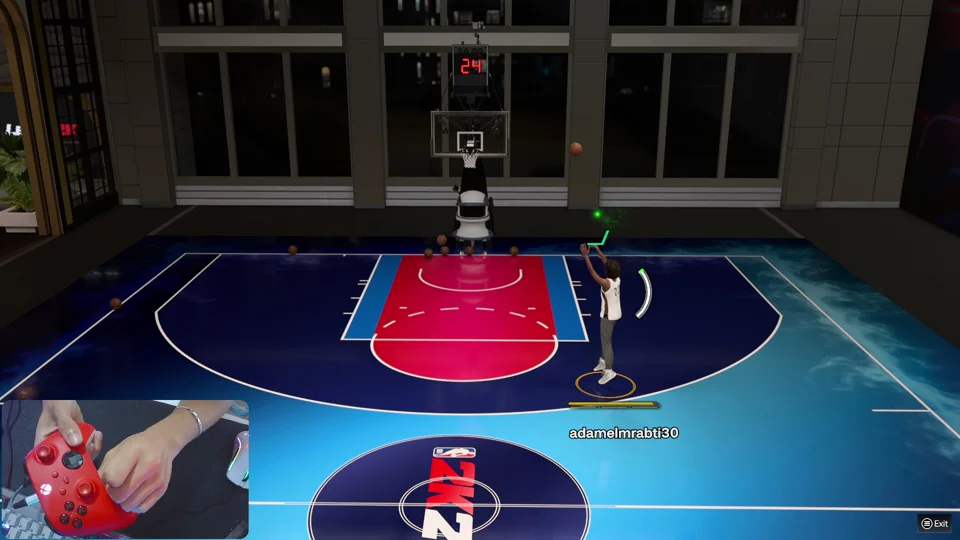
Press Square / X. ERA holds and releases the shot button using your saved timing, with separate settings for standing and moving shots.

Watch Button ShootingController + gameplay demonstration
NEW IN ERA V6 Human Behaviour

Choose how your
stick shots move.

Four motion styles. Adjustable tempo and variation. Your choices, saved in your build.

A style chosen for each shot.

ERA chooses Straight, Roll or Side Flick for each shot. Keep all three motion styles in your build.

For V6 OneTap, Rhythm and right-stick shot paths. Button Shooting has its own optional hold variation.

Set it up in My Ozark Choose ERA V6, then Generator → Human Behaviour.
RIGHT-STICK MOTIONMixed
Illustrative Mixed release paths Examples of the vertical, curved and sideways release paths. This is an illustration, not recorded controller output. HOLD RELEASE
Three possible release pathsIllustrative motion preview
HUMAN MODE
On or off

Keep your style choices saved either way.

HUMAN TEMPO
?

100% is the supplied baseline. Higher percentages shorten processed waits; lower percentages lengthen them. This does not change Button Shooting holds.

90–110%

100% is the starting point.

HUMAN VARIATION
?

An intensity level, not milliseconds. Zero removes adjustable variation, but fixed movement and timing randomness remain in the script.

0–10

Start at 4, then adjust the motion.

What about Button Shooting?

Button hold variation is a separate switch. It adds repeating offsets from −5 to +5 ms to Set, Move and Fade holds. It is also available in ERA V5; the four stick-motion styles shown here are part of ERA V6.

Your shot. Your way.

SHOOT 01Button Time

Button Shooting: automatic button release

Saved button hold

Press Square on PlayStation or X on Xbox to start your shot. ERA holds the shooting button for your saved duration, then releases it automatically. You can set separate timings for standing and moving shots, so each shot type uses the timing you chose for your jumper.

Control
Press Square / X
Settings
Button Lock, Set Time & Move Time
Button Shooting and Tempo Lock are separate shooting modes.
Feature demo · controller + gameplay

Included with ERA

  • Customer key by email

    Activate My Ozark with your checkout email and customer key.

  • My Ozark & Zen Flasher

    Create, edit and save ERA settings, then install your saved build on your Zen.

  • Setup support

    Link Discord in My Ozark, join the server and ask for help with setup.

  • Updates while supported

    Find new ERA releases in your library while the product remains supported.

Your shooting modes, setup & access
How does ERA Button Shooting work in NBA 2K27?

With Button Lock enabled, press Square on PlayStation or X on Xbox. ERA holds and releases the shot button using your saved timing. Set Time covers standing shots; Move Time covers moving shots. This is separate from the right-stick Tempo Lock and OneTap modes. Watch the button-shot demonstration.

How are OneTap and Tempo Lock different?

With Tempo Lock on and Button Lock off, hold Square / X and release when you choose; ERA performs the right-stick tempo sweep. ERA OneTap (AutoGreen) runs your saved right-stick sequence with one press of the assigned stick-click. Compare ERA shooting controls and demos.

What is My Ozark, and can I edit my settings?

My Ozark is your customer account for scripts, tutorials and Zen tools. Activate it with your checkout email and customer key, choose ERA, then create, edit and save your settings before installing the build with Zen Flasher. See the ERA setup guide.

What hardware do I need?

You need a Cronus Zen, a supported controller and console setup, and a Windows PC for setup and flashing. Use Chrome or Edge for the flashing workflow. This purchase is digital; the Zen hardware is not included. Check compatibility before buying.

What happens after I buy?

Your customer key and My Ozark activation link arrive by email after payment. Activate with your checkout email and key, link Discord for your roles and support, then save your ERA settings. Open Zen Flasher, connect your Zen and follow the installation steps. Read delivery details.

Is Ozark ERA a one-time purchase?

Yes. ERA costs $45.99 USD as a one-time purchase, with no subscription. Your customer key is linked to one Cronus Zen and includes My Ozark settings, setup support and updates while ERA is supported.

What if I need help with the first install?

Use the setup guides or contact Ozark through Discord. Contact setup support.

Try it yourself

Try the timing challenge.

Hold SHOOT. Release in the green window. Each shot is different. This browser demo is for fun—it does not measure in-game timing or guarantee results.

You0/0
Simulated assist0/0

Browser simulation only. This challenge does not run an Ozark script, connect to a Zen, or predict gameplay results. ERA OneTap runs your saved right-stick release and tempo sequence on supported setups.

Animated My Ozark preview

Your ERA setup. Step by step.

Preview how My Ozark guides you from saved settings to Zen installation. Tap a step below or pause the tour. No device is connected and nothing is written on this page.

Animated setup preview Loops while you view it
My OzarkERA setup preview
DEMO

Animated preview of saving ERA settings in Programmer, connecting a Zen in Flasher and checking the installed script. This preview does not connect to a device or install anything.

FROM THE OZARK DISCORD

See ERA. Hear from players.

540 community reviews

Gameplay clips by Ozark. Player messages from our Discord below.

SinCommunity review
Amazing script! Definitely recommend, working practically instantly. Support is a huge Plus 10/10
VanityCommunity review
Love it works well and easy
BLACKQ8YCommunity review
The best script on pc
obiwannablowmeCommunity review
Best script I’ve been able to find
Shared in DiscordForwarded message
This script issssss boomb
7VLT_MR.F1Community review
I can green everything
LulCariCommunity review
Way better script now🔥
Takosz刀Community review
One Tap Winners 💯
Ready when you areGet Ozark ERA for $45.99 USDOne-time purchase · Digital delivery after payment · Updates while supported

THE OZARK DISCORD

Don't figure it out alone.

Bring your questions. Share your setup. Get more out of your Zen with the Ozark community.

  • Setup helpAsk about your script, settings, or Zen setup.
  • Script updatesKeep up with what's new across Ozark.
  • Other playersCompare settings and share what works for you.
YOU'RE INVITED Ozark community

ERA · Aura · Exotic · GPC

Join Ozark Discord (opens in a new tab) Free to join
Ozark Script

A little extra for your setup

Take 10% off.

Use this code at checkout.

green5